
Blog Date: 9/29/2023
Another day 1 operation in a newly deployed VCF environment, would be to configure a service account to connect the SDDC manager to your organization’s VMware Customer Connect account.
This service account would need the following permissions: Access to view licenses, products, and be able to download products. This service account would need to be configured in the VMware Customer Connect portal. For the user email address, I typically have customers use a group distribution email. Configuring SDDC manager to use a service account, will allow it to access the VMware Depot without relying on a employee account, which will be more secure. Just be sure to set a strong 18-20 character password, and record the account details in a secure location. *PRO TIP: Log into the customer connect portal using the service account you created, and verify that you can view licenses, products, and download products. This will insure the account meets all access requirements that the SDDC manager will need when we configure the depot settings below.
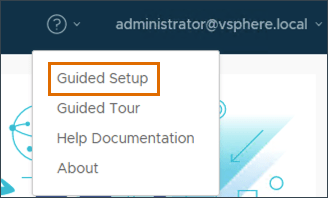
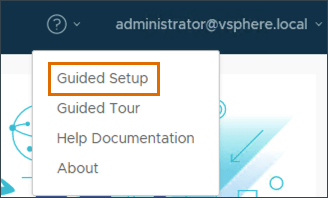
Just like we did in the previous blog, we’ll click the question mark in the upper right, and select Guided Setup.
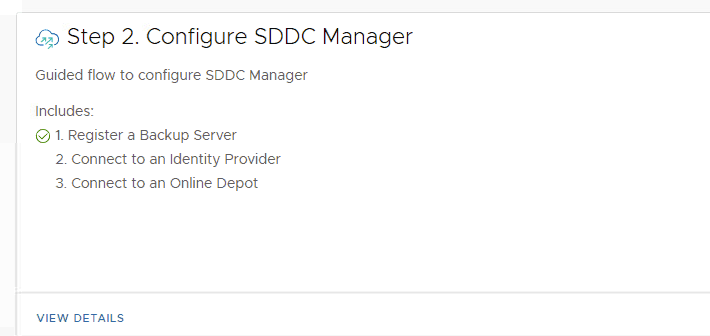
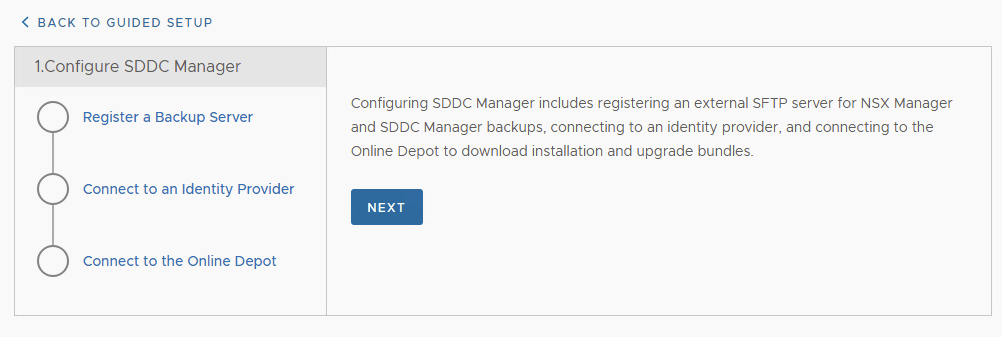
On the next screen, we’ll want to continue with Step 2 Configure SDDC Manager. Click VIEW DETAILS.
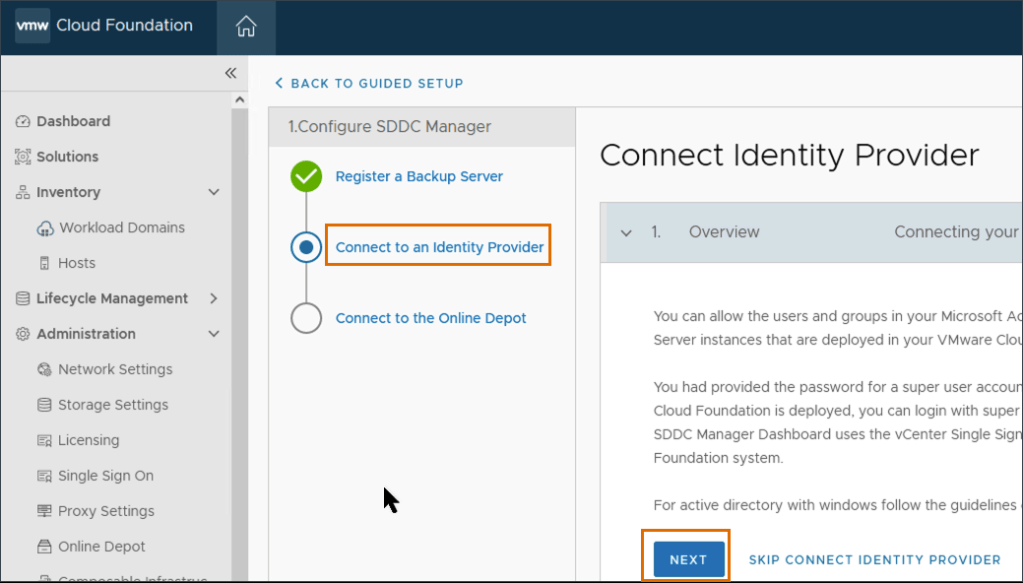
Select Connect to the Online Depot and click NEXT.
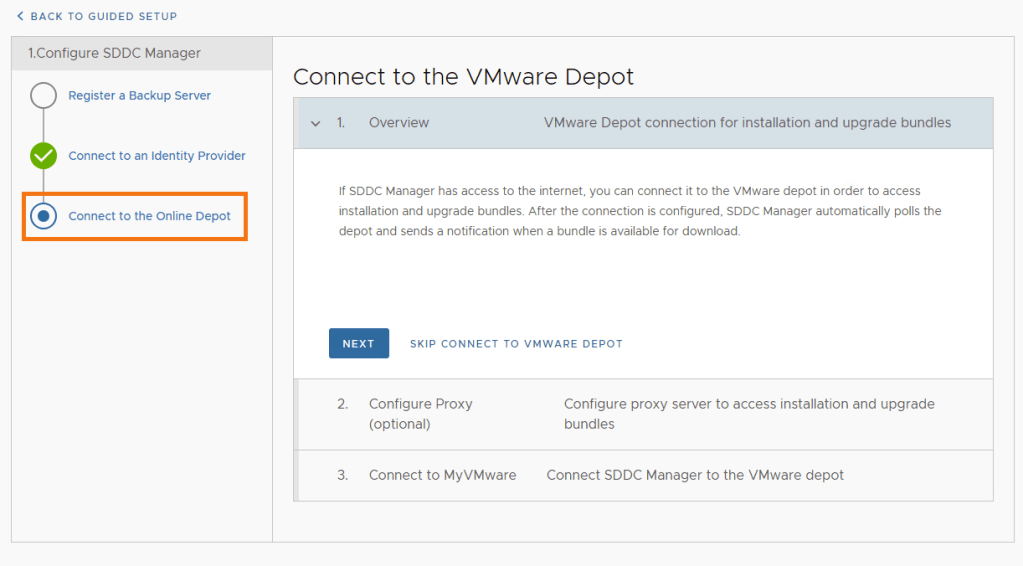
If there’s no proxy to configure for the SDDC manager to reach the internet, click SKIP CONFIGURE PROXY.
Add the details for the VMware depot service account mentioned above and click AUTHORIZE.
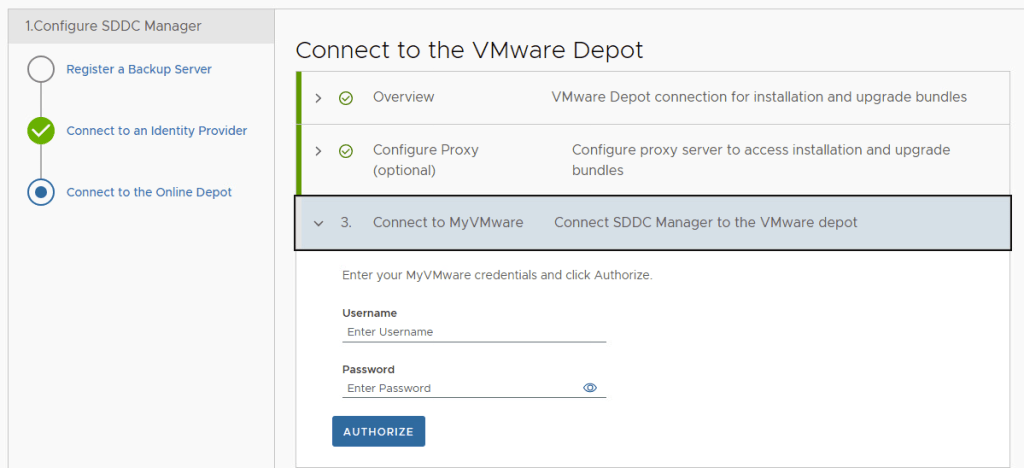
Assuming the service account has the correct permissions, you shouldn’t get any errors. A connectivity error may indicate a firewall access issue.
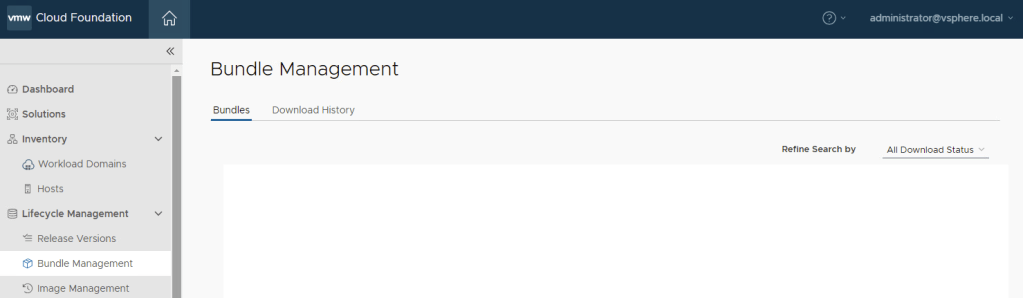
To validate that you can see and download bundles, under Lifecycle Management in the left hand menu, select Bundle Management. (No available bundles when screenshot was taken).
For more information on how to connect to the VMware Depot, see VMware’s Documentation Download and Install Bundle from SDDC Manager.
In the next blog, I will cover how to configure a certificate authority in the SDDC manager using Open SSL.



 CaptainvOPS
You must be logged in to post a comment.