
vSAN v6.7 Intro Hands-on Lab
Looking to test-drive vSAN? Get started with this 30 minute intro hands-on lab to learn about deduplication and compression, RAID 5/6 erasure encoding and more.
Looking to test-drive vSAN? Get started with this 30 minute intro hands-on lab to learn about deduplication and compression, RAID 5/6 erasure encoding and more.
Announcing VMware Cloud Foundation 3.5 General Availability
Announcing General Availability of VMware Cloud Foundation 3.5 At VMworld EMEA 2018 VMware announced the upcoming VMWare Cloud Foundation 3.5 release. Today, it’s my pleasure to announce that this latest release on our best in class private cloud solution has reached general availability. We’ve introduced a number of new features in this new release, and The post Announcing VMware Cloud Foundation 3.5 General Availability appeared first on Cloud Foundation.

The very long over due followup post to my The Home Lab entry made earlier this year. I did recently purchase another 64GB (2x 32GB) Diamond Black DDR4 memory to bring my server up to 128GB. I had some old 1TB spinning disks I installed in the box for some extra storage as well, although I will phase them out with more SSDs in the future. So as a recap, this is my setup now:
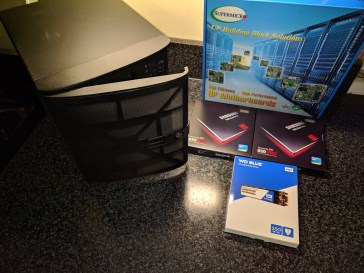
Motherboard
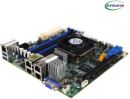 SUPERMICRO MBD-X10SDV-TLN4F-O Mini ITX Server Motherboard Xeon processor D-1541 FCBGA 1667
Memory
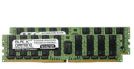
(x2) Black Diamond Memory 64GB (2 x 32GB) 288-Pin DDR4 SDRAM ECC Registered DDR4 2133 (PC4 17000) Server Memory Model BD32GX22133MQR26
M.2 SSD
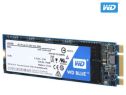
WD Blue M.2 250GB Internal SSD Solid State Drive – SATA 6Gb/s – WDS250G1B0B
SSD
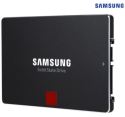
(x 2) SAMSUNG 850 PRO 2.5″ 512GB SATA III 3D NAND Internal Solid State Drive (SSD) MZ-7KE512BW
Case
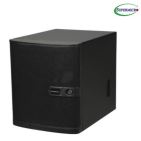
SUPERMICRO CSE-721TQ-250B Black Mini-Tower Server Case 250W Flex ATX Multi-output Bronze Power Supply
Additional Storage
x2 1TB Western Digital Black spinning disks
Initially when I built the lab, I decided to use VMware workstation, but I recently just rebuilt it, installing ESXi 6.7 as the base. Largely for better performance and reliability. For the time being this will be a single host environment, but keeping with the versioning, vCSA and vROps are 6.7 as well. Can an HTML 5 interface be sexy? This has come a long way from the flash client days.
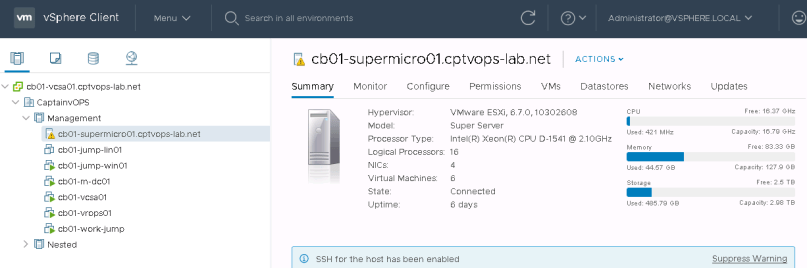
I decided against fully configuring this host as a single vSAN node, just so that I can have the extra disk. However, when I do decide to purchase more hardware and build a second or third box, this setup will allow me to grow my environment, and reconfigure it for vSAN use. Although I am tempted to ingest the SSDs into my NAS, carve out datastores from it and not use vSAN, at least for the base storage.
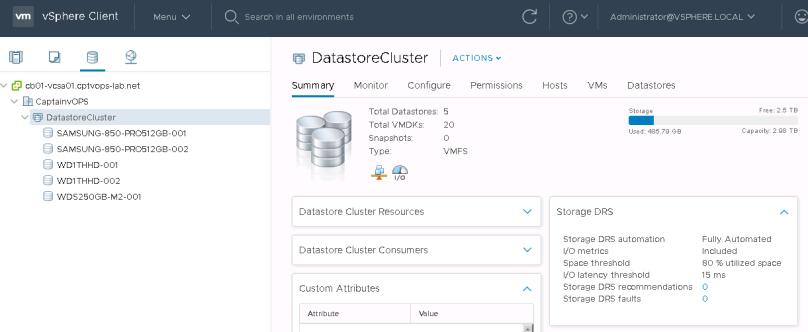
Networking is flat for now, so there’s nothing really to show here. As I expand and add a second host, I will be looking at some networking hardware, and have my lab in it’s own isolated space.
Now that I am in the professional services space, working with VMware customers, I needed a lab that was more production. I’m still building out the lab so I’ll have more content to come.
Supermicro E300-9D (SYS-E300-9D-8CN8TP) is a nice ESXi & vSAN kit
Supermicro kits such as the E200-8D is a very popular platform amongst the VMware community and with powerful Xeon-based CPUs and support for up to 128GB of memory, it is perfect for running a killer vSphere/vSAN setup! Earlier this Fall, Supermicro released a “big daddy” version to the E200-8D, dubbed E300-9D and specifically, I want to focus […]
Thanksgiving… a time for friends, family, food… and Amazon re:Invent! In just one short week VMware {code} will be headed to Las Vegas, Nevada, to take part in Amazon’s annual conference, re:Invent! From Monday November 26 to Thursday November 29th, the VMware {code} booth will be running Power Sessions at the Aria at The Quad.
Deploy a Software Defined Data Center in VMware Cloud on AWS and explore the usage of vCenter server and VMware Site Recovery for DRaaS.
Accelerating Application Security with Network Insight and External Integrations
Using VMware NSX, your applications can be seamlessly secured, throughout your entire environment. Whether it be on-prem or in the cloud, NSX has got you covered. The journey to application security using NSX’s micro-segmentation can be significantly accelerated by using vRealize Network Insight. As you may know by now, Network Insight listens to everything going The post Accelerating Application Security with Network Insight and External Integrations appeared first on VMware Cloud Management.
I’d be lying if I had said this year hasn’t been full of unexpected twists and turns, but it’s in those moments of great difficulty and uncertainty I believe, that we truly find ourselves. Seven months ago I was referred to a VMware Product engineer role at a cloud provider and hosting company in San Antonio. I successfully made it through the interviews, and was offered a position with the company. For this role, the company and I had agreed for me to be onsite for six months, and then be a full time remote employee after. From May until late October, I spent my time working and exploring San Antonio Texas.
Roles and expectations can change, and having it in writing doesn’t always give you solid ground to stand on. But I pushed forth on my new journey, excited for the challenges ahead, knowing that I am checking off each requirement for the role, as I work through various projects. I got to deploy a new SDDC environment, for a customer’s new private cloud, using vCloud Foundation for Service Providers, worked various research tasks, and even studied for and passed my VCP 6.5 – DCV delta. Not necessarily in that order.
Reaching that six month mark, and feeling proud of the work that I accomplished, I received the regrettable news that I wouldn’t be able to go remote as originally agreed to. With family and relationship requirements outside of work playing a factor, along with my own personal restrictions and requirements for this role, I had to make the hard decision to walk away.
I couldn’t have asked for a better team in San Antonio, many of whom I was able to get to know outside of work, and who invited me into their homes for after work gatherings, and team lunches around San Antonio. If you look hard enough in San Antonio, you can find really good barbecue, authentic Mexican, Vietnamese, Taiwanese, Greek and Italian. The freshman twenty is a real thing, but I’m grateful these guys shared their favorite spots around the city with me. I didn’t get a chance to really get to know my remote team members out of the UK, but enjoyed the time spent on projects with them.
So what’s next for me? This is just another fork in the road, leading me down a path of new challenges. I’ll be taking on new projects working with VMware Professional Services (PSO), through a 3rd party agency. This role will allow me to live where I want in Colorado, and also allow me to work remotely and travel. Working for VMware has been a goal of mine for several years, and I’m hopeful that this will eventually turn into a full time role with them.
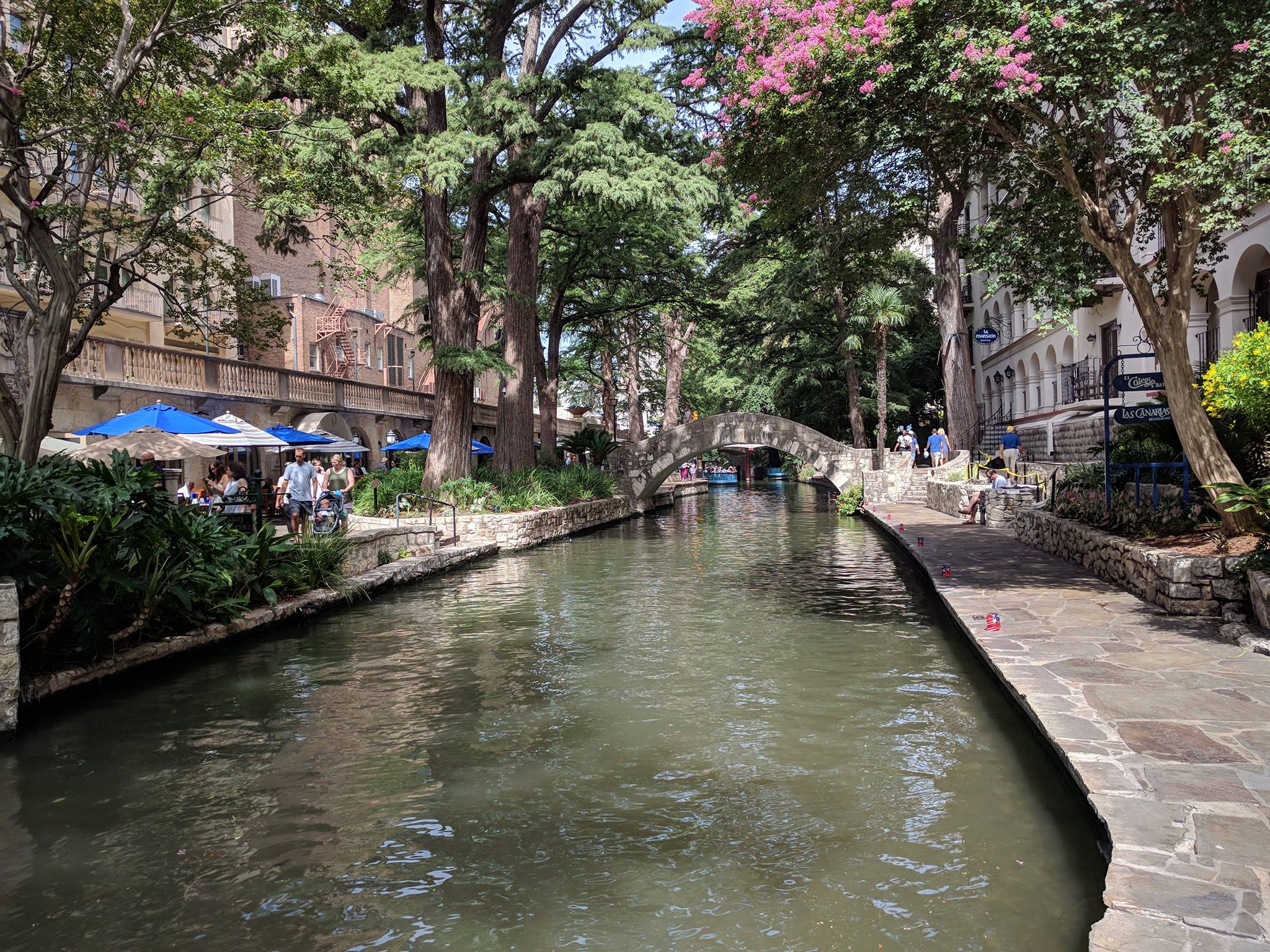
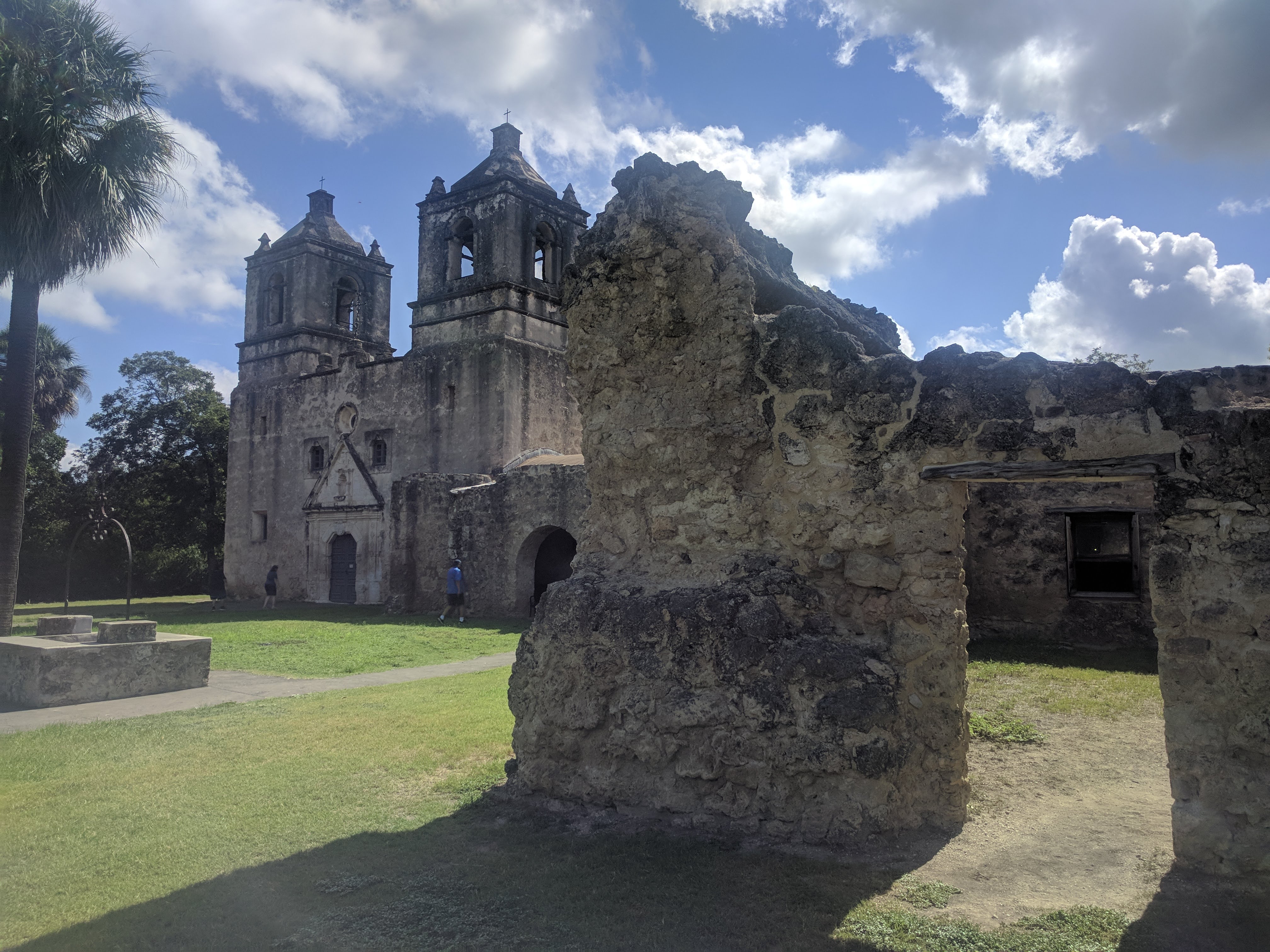
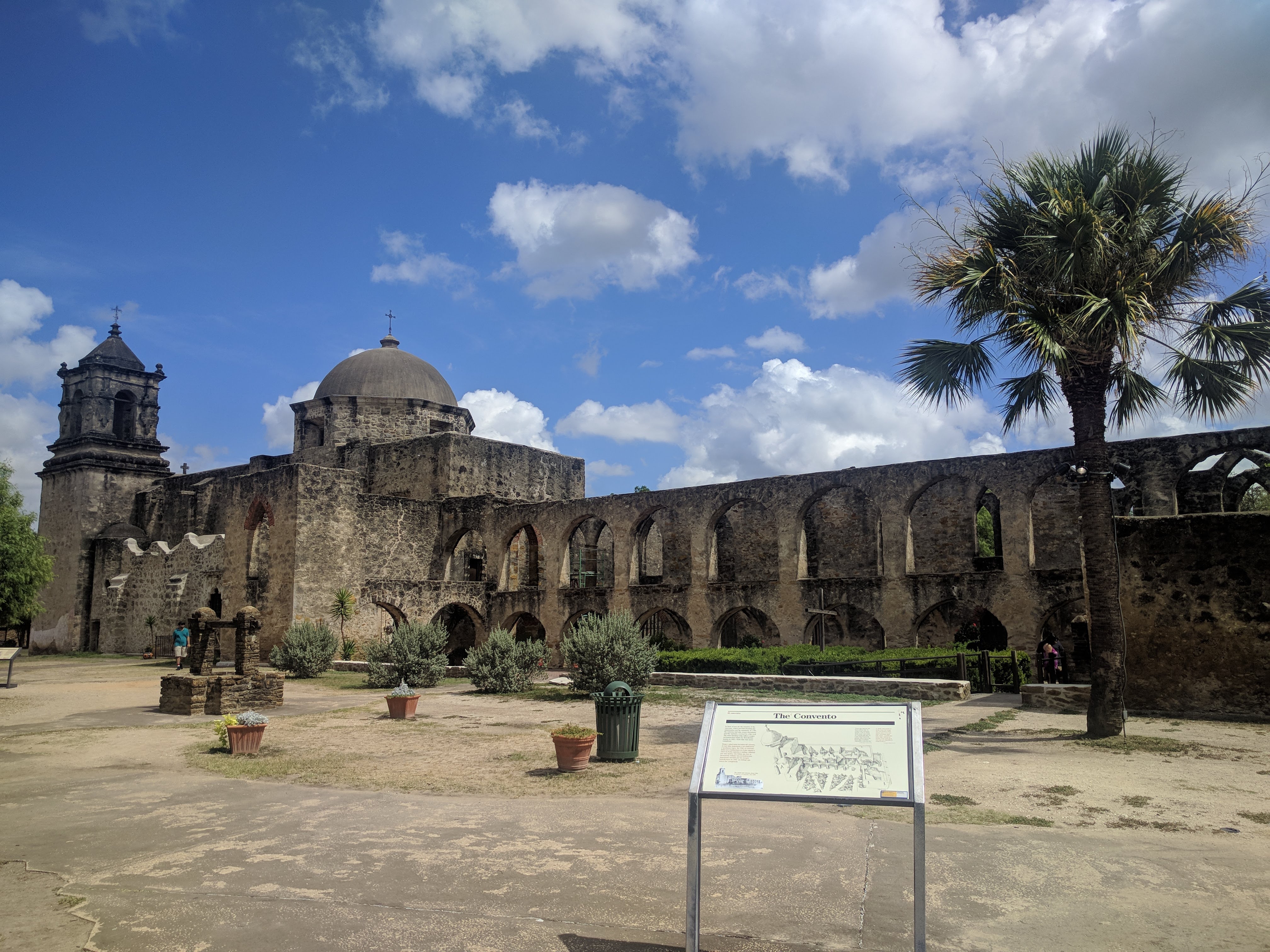
With all of that out of the way, I thought I would leave you with some pictures I took from the places I visited while in San Antonio.
San Antonio River Walk
The Alamo
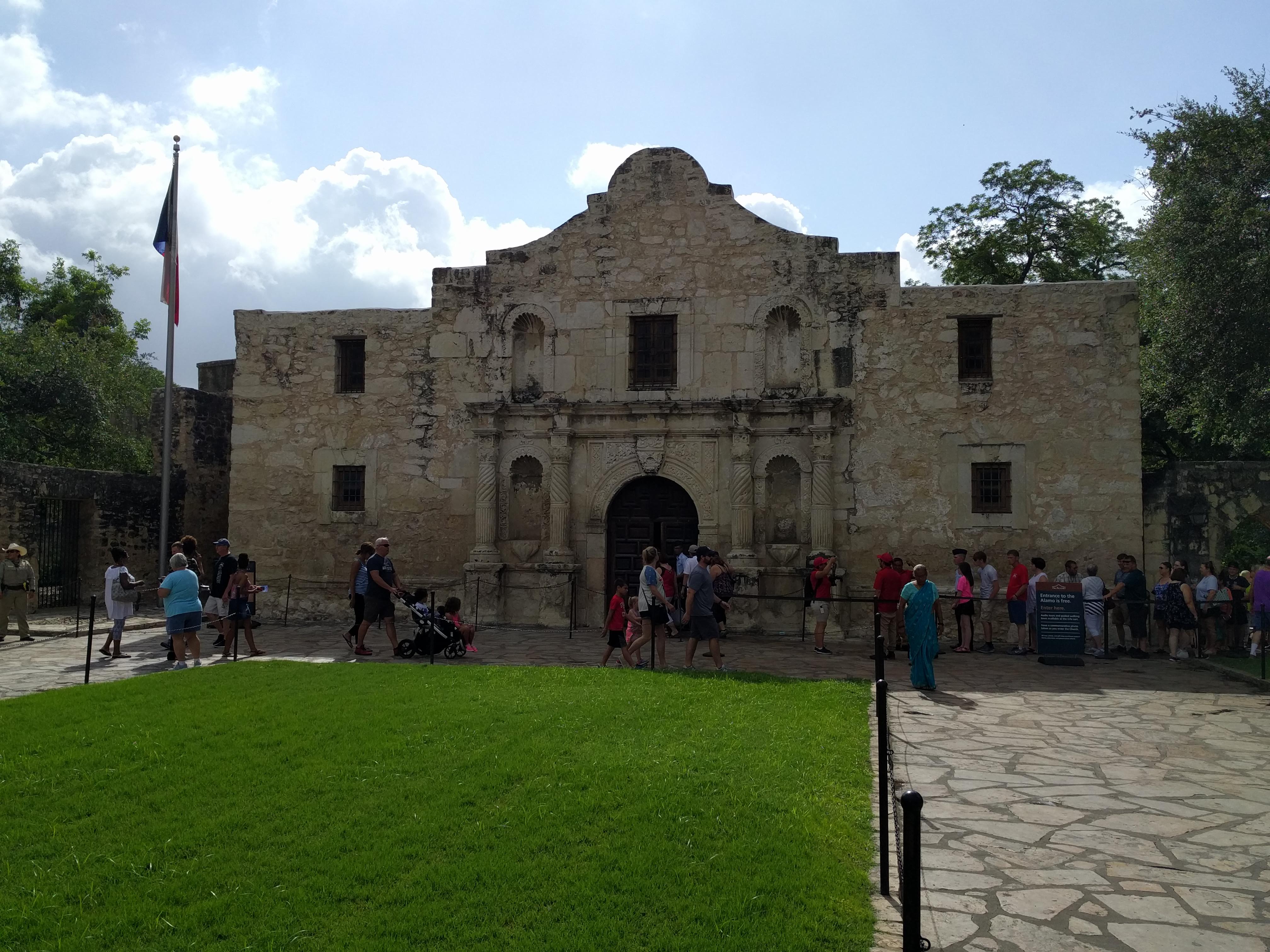
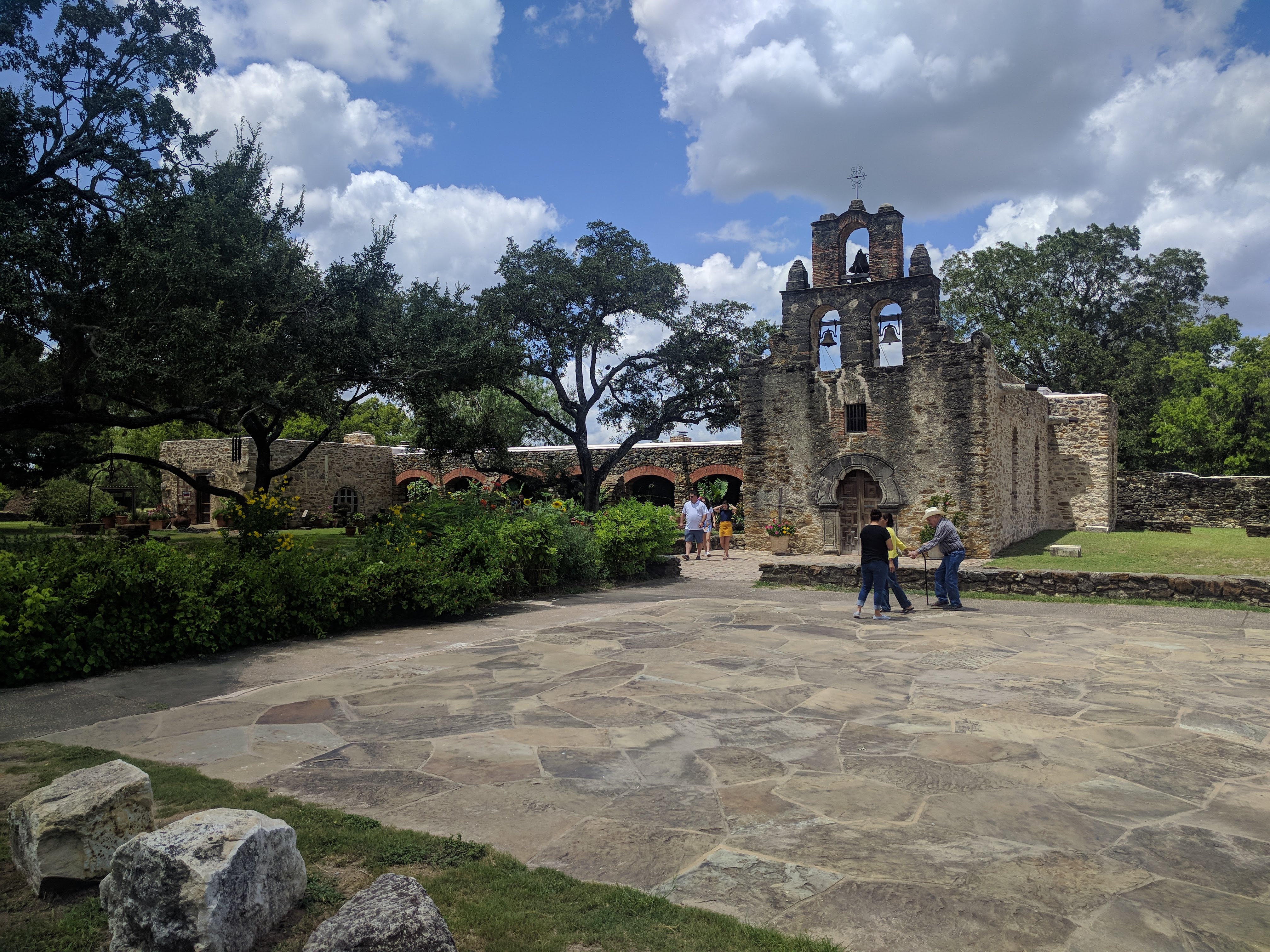
I certainly wouldn’t consider myself religious, but around San Antonio you can find a lot of historic missions, many of which are still considered to be active places of worship. I personally find the old architecture and buildings fascinating.
Mission Concepcion
Mission San Jose
Mission San Juan
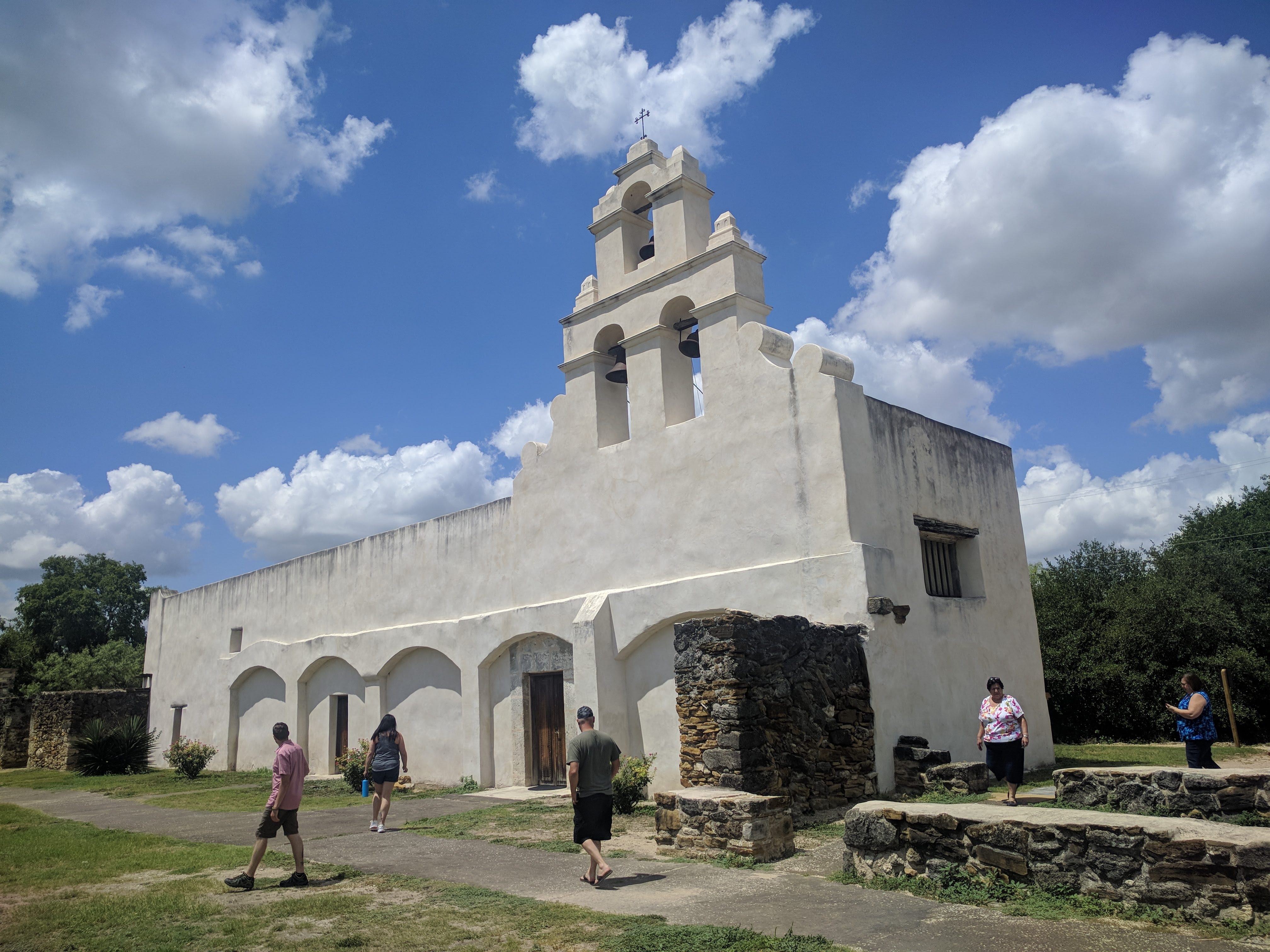
Mission Espada
Announcing VMware Cloud Foundation 3.5
Today at VMworld EMEA 2018, we are announcing VMware Cloud Foundation 3.5. VMware Cloud Foundation continues to provide the simplest way to build an integrated hybrid cloud by delivering a complete set of software-defined services for compute, storage, networking, security, and cloud management to run enterprise apps – traditional or containerized – in private or The post Announcing VMware Cloud Foundation 3.5 appeared first on Cloud Foundation.



 CaptainvOPS
You must be logged in to post a comment.