
Blog Date: 9/22/2023
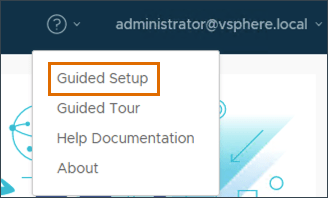
Another day 1 operation in a newly deployed VCF environment, would be to configure an identity provider. Just like we did in the previous blog, we’ll click the question mark in the upper right, and select Guided Setup.
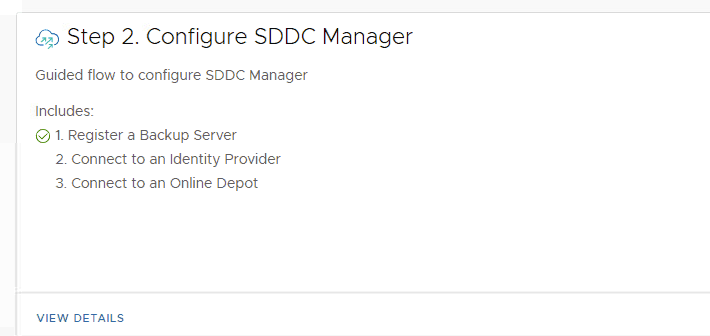
On the next screen, we’ll want to continue with Step 2 Configure SDDC Manager. Click VIEW DETAILS.
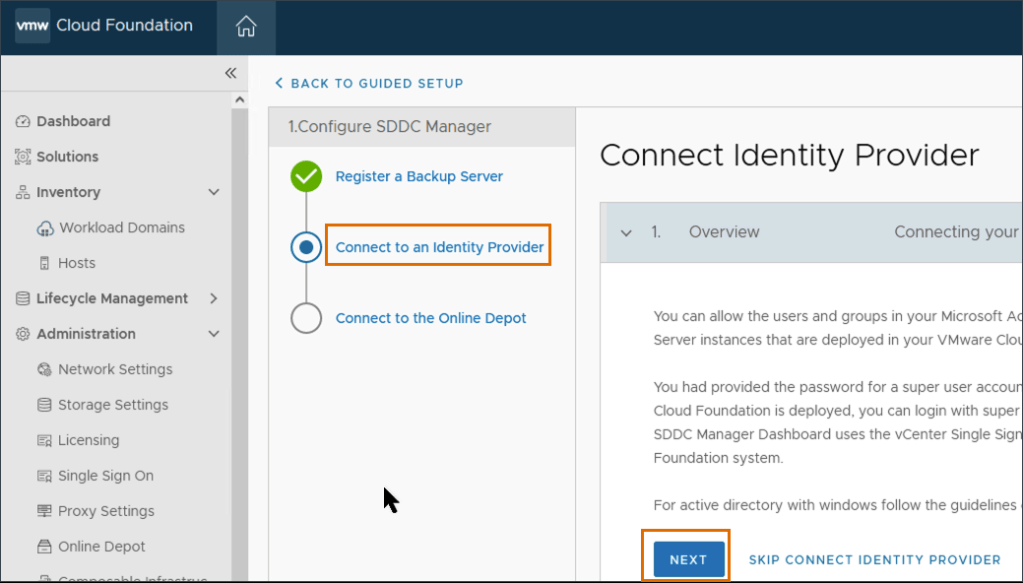
In the Configure SDDC Manager wizard, click Connect Identity Provider, then click Next.
Here, we will be configuring the identity provider that will be used in the vCenter. Click the Select Identity Provider from the drop-down menu, select Embedded. Click the Select Identity Source drop-down menu, select AD over LDAP. Click Next.
Fill in the LDAP Settings.

In this example, I don’t use a certificate for LDAP connectivity. Your mileage may vary. Click NEXT. Validate the information on the Review page matches the table above, then click SUBMIT. Wait for the save to complete, then validate that Connect an Identity provider has a green check mark.

Now that a identity provider has been established, you can now configure access to those who you trust to perform administrative tasks. The SDDC manager already comes preconfigured with a vsphere.local group called sddcadmins defined in the vSphere. Depending on your security needs, you can also add users and groups directly in the SDDC manager. In this example. I will configure access through the sddcadmins group in vSphere.

If we drop down into the vSphere, first we will want to set the identity provider as the default authentication source.
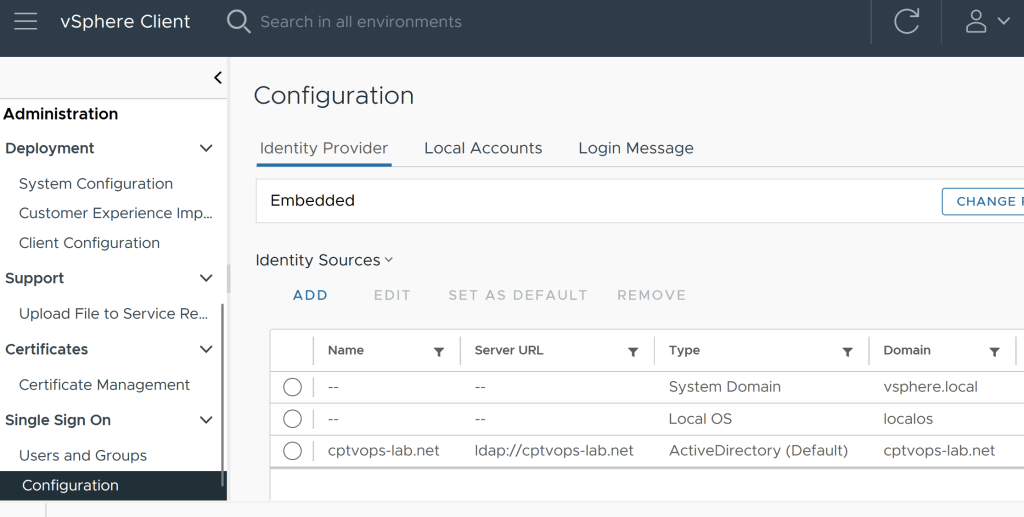
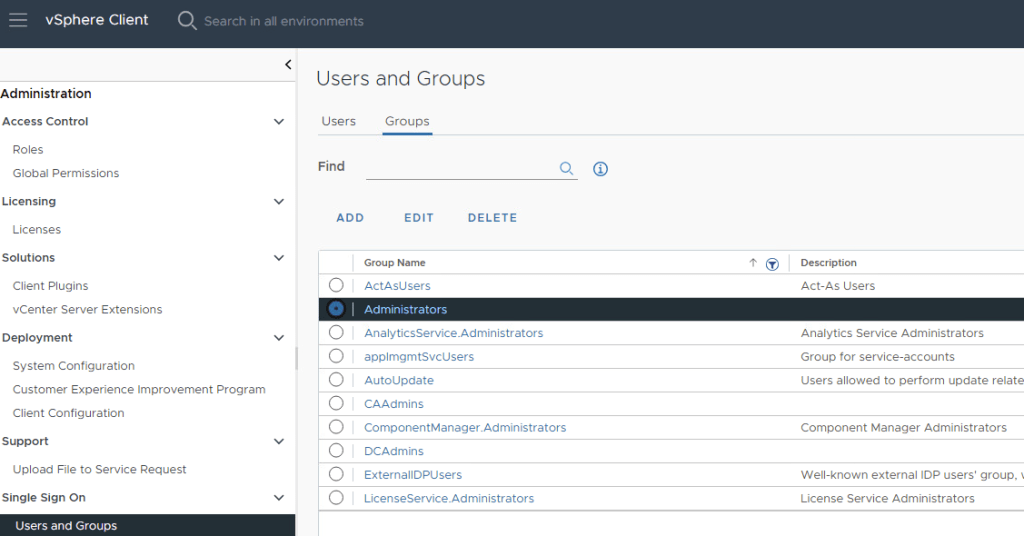
Next, you’ll want to locate the SDDCAdmins group and add the organization’s trusted admins who will be administering the SDDC. Typically, I have customers define an AD group with the SDDC admins, so that you only need to define the group in the vSphere. As the AD account membership to the group organically changes with users, you won’t have to worry about updating the vCenter group.

Likewise, you can also add the vSphere admins group defined in AD to the Administrators group in vSphere.
For more information on configuring access in the SDDC, see VMware’s documentation on Managing Users and Groups in VMware Cloud Foundation.
 CaptainvOPS
You must be logged in to post a comment.