
Blog Date: December 2025
Below is the basic network Topology and vlan config for my new VMware Cloud Foundation home lab. For my home network, I had replaced my off the shelf consumer wifi router a few years ago, and purchased a Ubiquity EdgeRouter 12 so that I could have vlans for my VMware Home lab, that lasted me from vSphere 6 to vSphere 8.
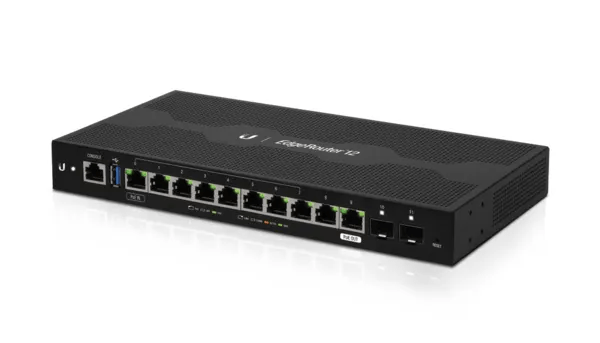
On this router, I have defined and hung the vlans off from the built in virtual switch (192.168.X.1).
| vlan (10.0.X.1) | Description |
| 20 | iscsi storage straffic |
| 30 | Management |
| 40 | vmotion |
| 50 | vsan |
| 60 | ESX TEP |
| 70 | NSX Edge T0 Uplink01 |
| 71 | NSX Edge T0 Uplink02 |
| 80 | Replication |
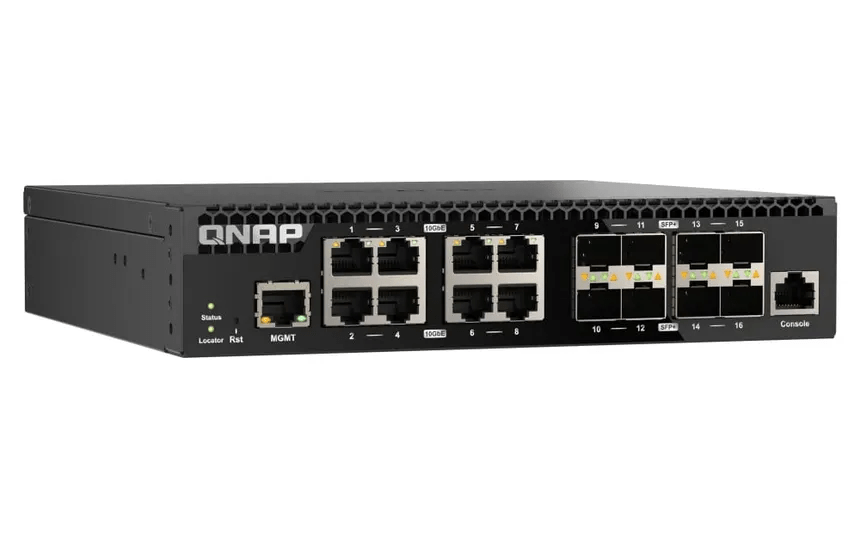
As detailed in my VCF 9 Home lab BOM, I chose to go with the QNAP (QSW-M3216R-8S8T-US) Layer 2 for my TOR switch. This Layer 2 managed switch supports 10G on the standard ethernet ports and on the SFP+ ports, giving me lots of options for connectivity.
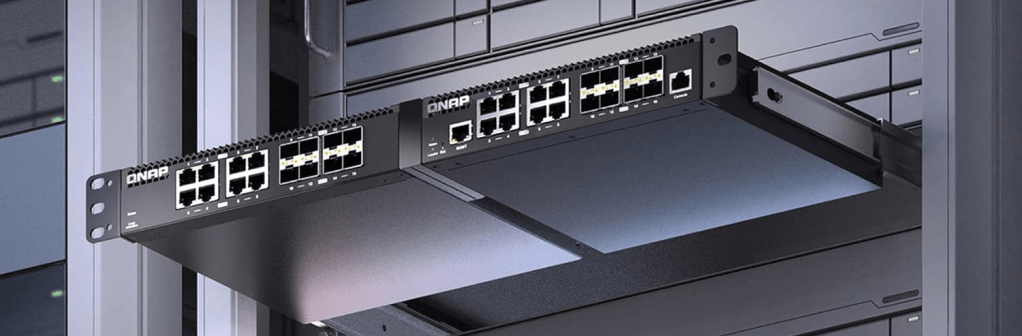
I can also mount two of them side by side in a standard 19 inch width rack offering more space save opportunities for future home lab expansion.
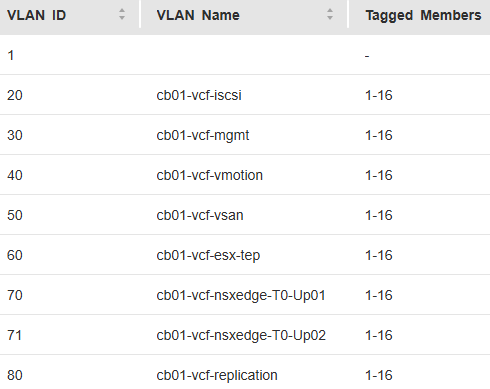
I have the same vlans tagged to the TOR switch
 CaptainvOPS
You must be logged in to post a comment.