
Blog Date: May 2026.
In my previous Blog entitled: VMware Cloud Foundation 9: Upgrade to 9.1 – Part 1: Upgrading VCF Ops to 9.1 and VCF License Appliance Deployment, I covered the steps to Upgrade VCF Ops which decommissioned VCF Fleet Manager, and then the deployment and configuration of the new VCF License appliance.
Broadcom has released a Upgrade Sequence and Related Issues for VMware Cloud Foundation and vSphere Foundation 9.1.
In this blog, I will walk through the upgrade of the SDDC Manager and the deployment of the new VCF Service components.
The upgrade from 9.0.2 to 9.1 is straight forward. Take the standard snapshot, run the prechecks, and then click the ‘UPDATE NOW’ button.
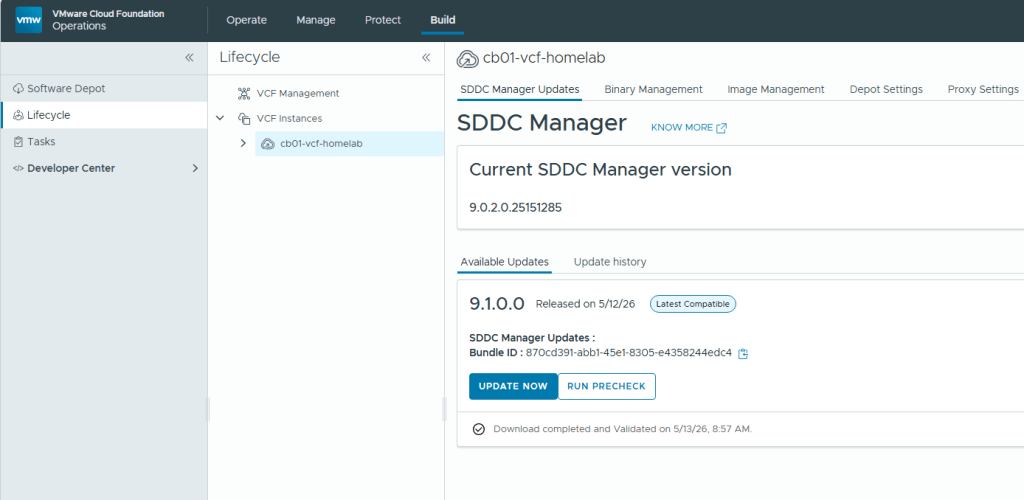
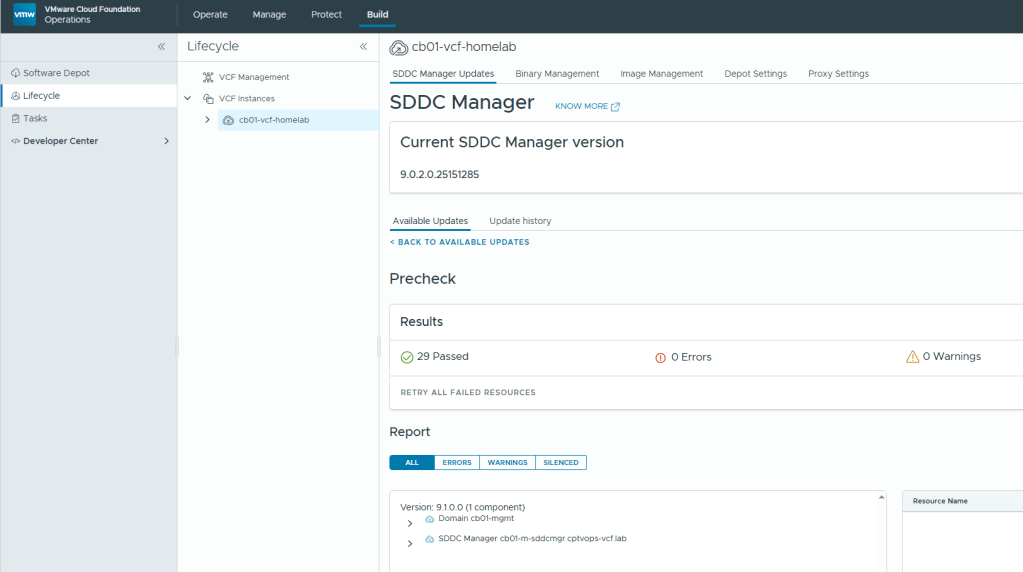
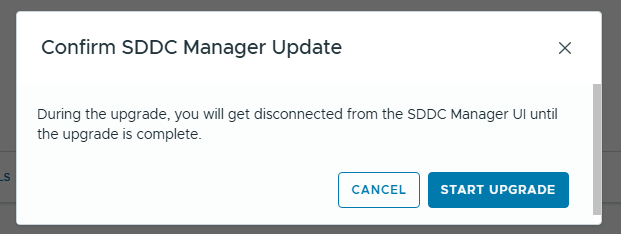
For my lab environment, the SDDC manager upgrade took just over 15 minutes to complete.
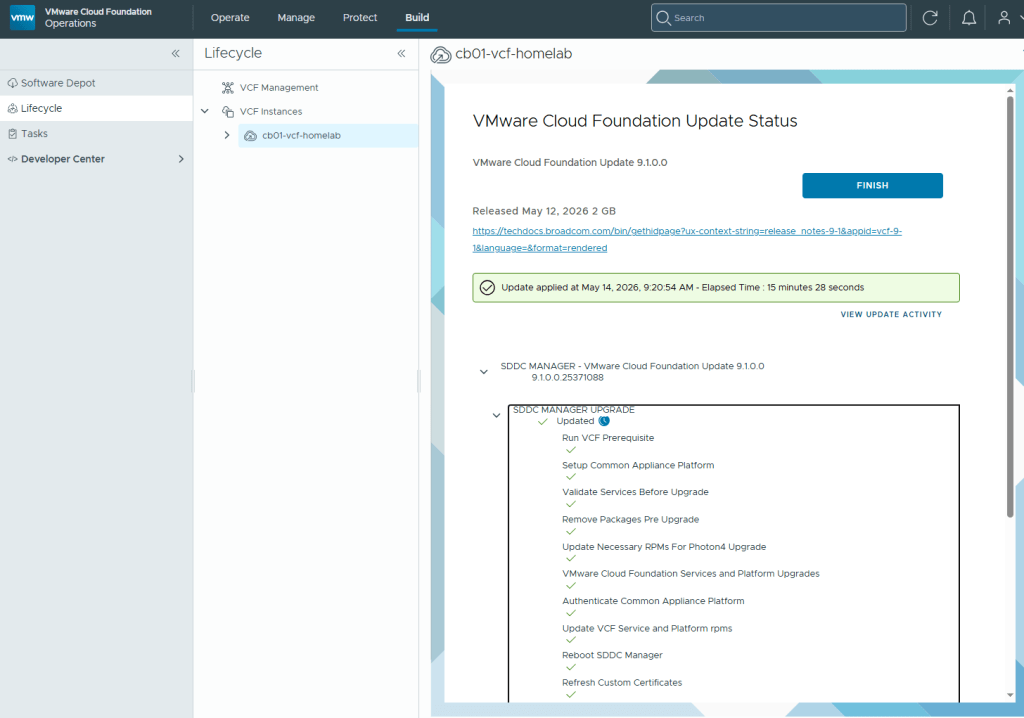
Now that the SDDC manager has been upgraded to VCF 9.1, customers are required to download the binaries for the new VCF License Server, and Management Services.
Please see the following Broadcom Tech Docs link for What’s new with VCF 9.1: https://techdocs.broadcom.com/us/en/vmware-cis/vcf/vcf-9-0-and-later/9-1/release-notes/vmware-cloud-foundation-9-1-0-0-release-notes/what-s-new.html
See the following Broadcom Tech Docs link for more details on VCF 9.1 Management Services Components: https://techdocs.broadcom.com/us/en/vmware-cis/vcf/vcf-9-0-and-later/9-1/deployment/vcf-management-appliances.html#GUID-2bab6de2-024a-4900-9716-7fba53ea0721-en_id-677f5f42-5fd2-4885-a3e0-9c9617cc2907
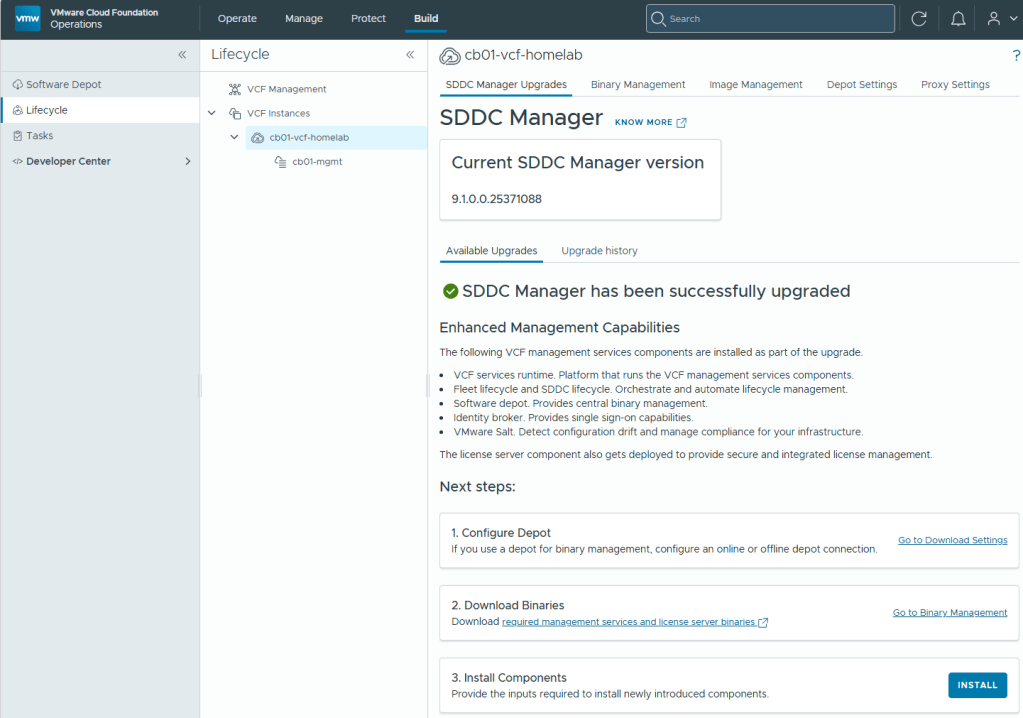
I covered how to setup the new VCF License server in my last blog, so I’ll instead jump right into deploying the new VCF management services. You will need to go into Binary management and download the installer binaries per the Broadcom documentation.
Once completed, under the “Next Steps” section on the previous screen to upgrade the SDDC manager, Click the ‘INSTALL’ button on step 3.
You will be prompted to enter the connection details for your VCF Operations deployment.
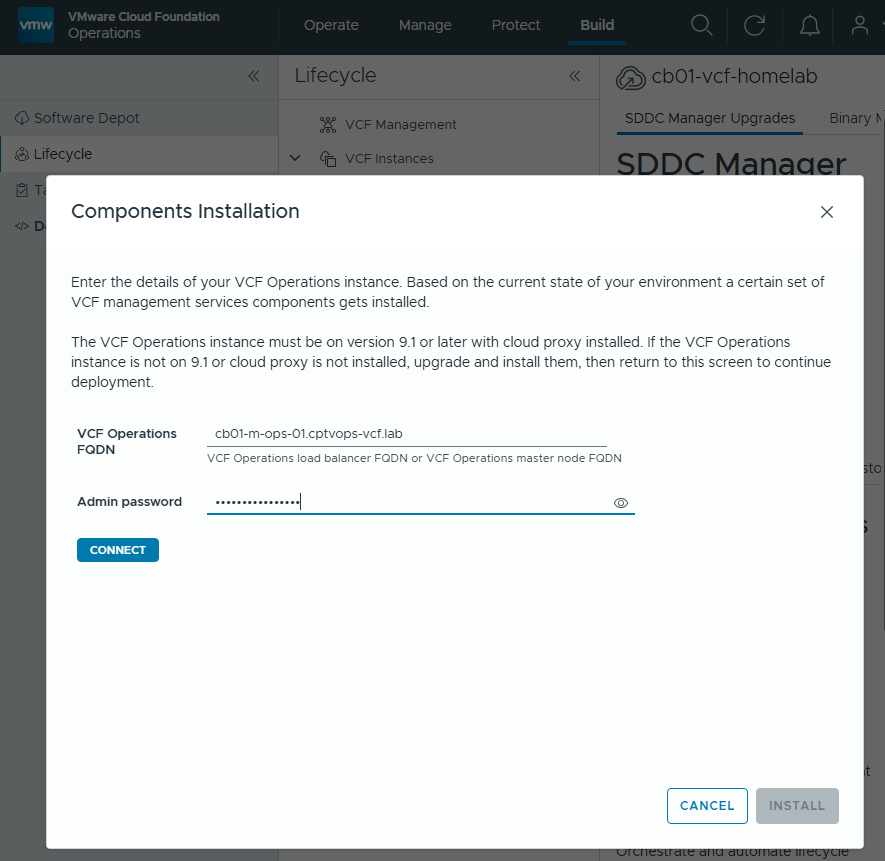
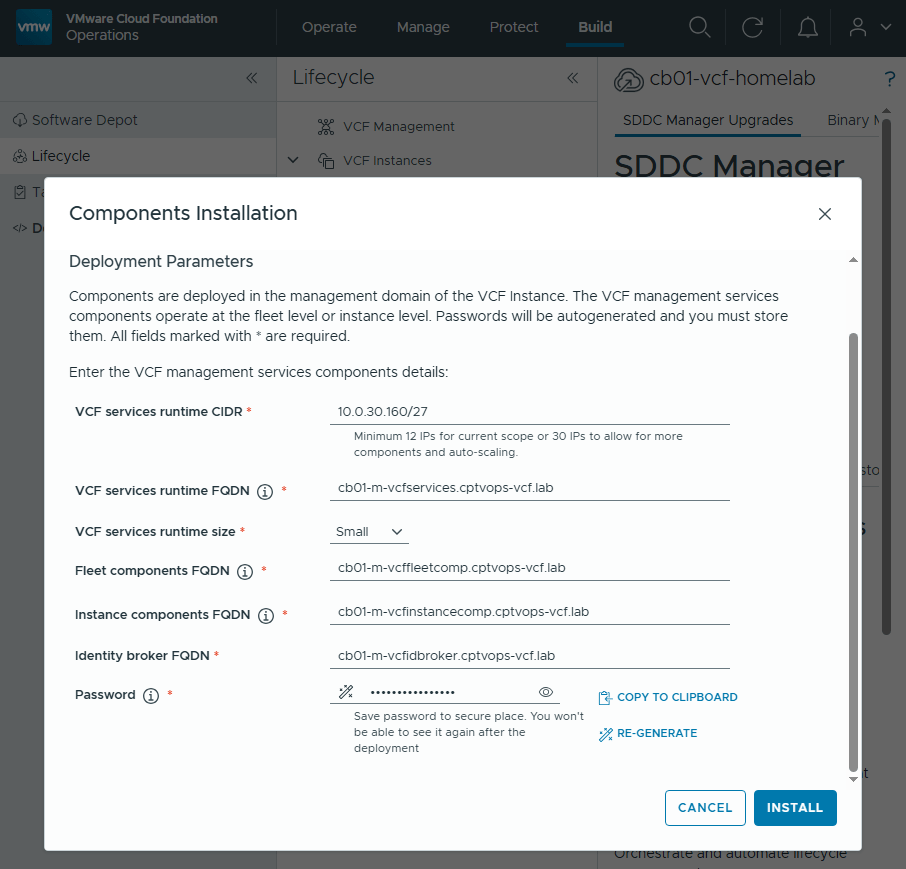
Once you click the ‘INSTALL’ button, you will eventually be lead to the Components Installation section where you need to add the deployment Parameters.
These will be containers running behind a VIP FQDNs that you will need to specify in DNS. VCF 9.1 requires a minimum of 12 Ips for the “current scope”, but I have been hearing rumors that defining a scope of 30 IPs is the way to go here to avoid heartburn. Click ‘INSTALL’ when ready.
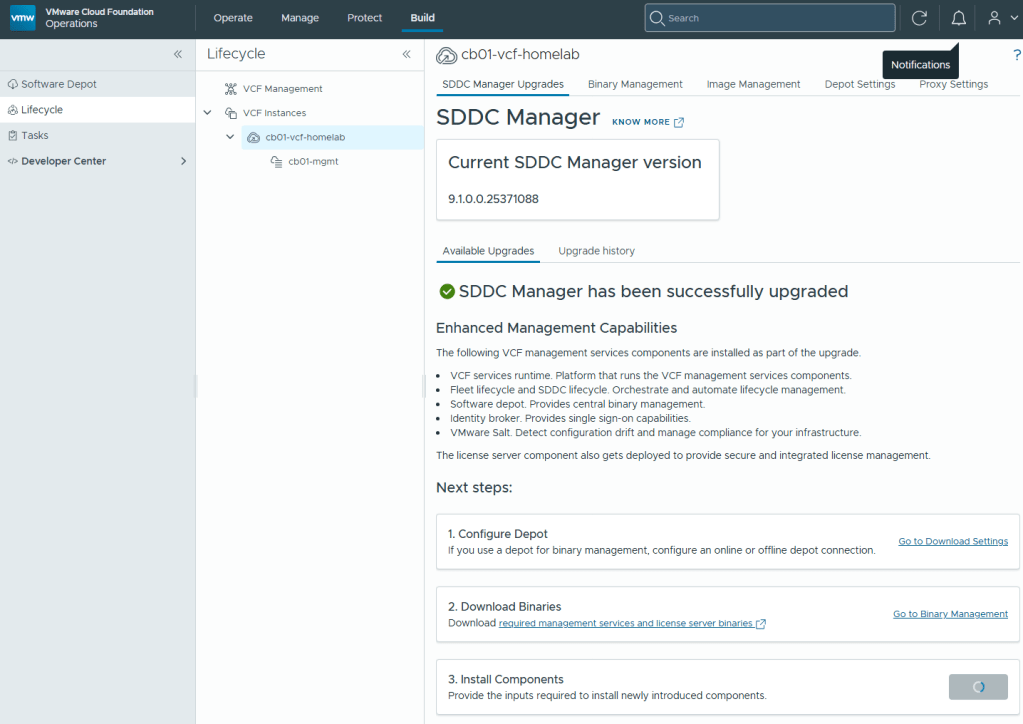
You will be kicked back to this screen, where the only indication that something is happening will be the “Step 3” install button has changed to a progress indicator.
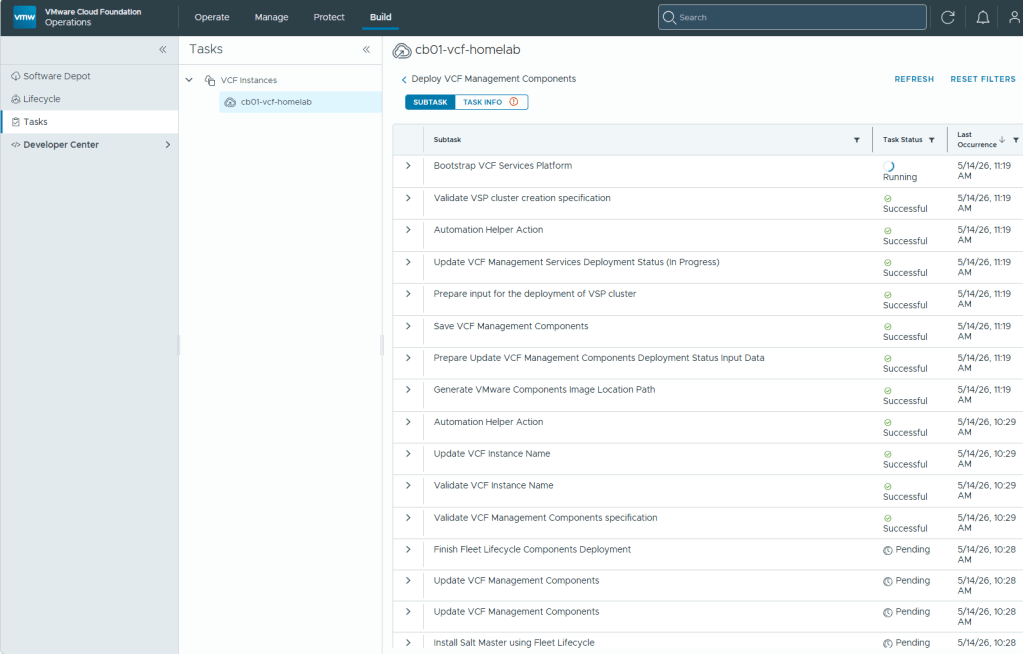
In the navigation menu on the left, click the “Tasks” tab for more details on the current deployment progress.
In my lab, the deployment and configuration of these new VCF 9.1 Management Services Components took over an hour to complete.
With the SDDC manager now upgraded to 9.1, and the new VCF Management services now deployed, In my next blog post I’ll continue the VCF 9.1 upgrade.


You must be logged in to post a comment.